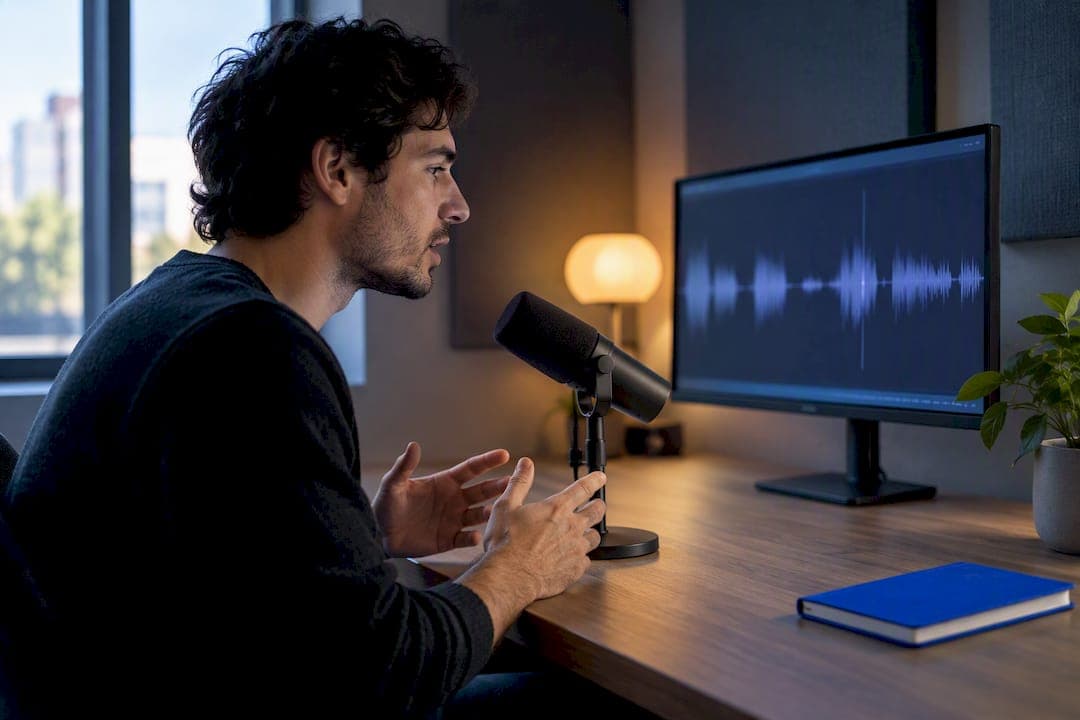
A custom translator voice is a real-time pipeline that turns speech into text, translates that text, and speaks it back in a voice you choose, cloned, or design. Build one when speaker identity, brand tone, or conversational continuity matter and you can hit sub-second latency. If you just need accurate cross-language chat without voice cloning, a simpler translation layer like Oralingo may already cover what you need.
TL;DR:
- Custom translator voices require rapid, synchronized processing of speech recognition, translation, and speech synthesis, aiming for sub-second latency.
- Building a personalized voice involves consent recording, sample submission, API calls for voice creation, and careful session management to prevent mid-session voice switching.
- Voice creation demands at least five seconds of clear speech and matching consent, with strict privacy controls including encryption and user consent revocation options.
- Latency depends on processing time for ASR, MT, TTS, and network delay, with regional deployment and fewer languages reducing response times.
- For teams seeking quick, privacy-conscious multilingual communication, ready-made solutions like Oralingo eliminate development overhead and support over 100 languages with end-to-end encryption.
Table of Contents
- What Custom Translator Voice Solutions Actually Do
- How Do You Build a Custom Voice Through an API?
- How Much Latency Should You Expect From Real-Time Translation?
- How Do You Handle Consent and Privacy for Cloned Voices?
- Where Do Custom Translator Voices Get Used?
- What Actually Breaks in a Custom Voice Pilot
- Why Oralingo Fits Teams That Want Translation Without the Build
- Sources
- FAQ
What Custom Translator Voice Solutions Actually Do
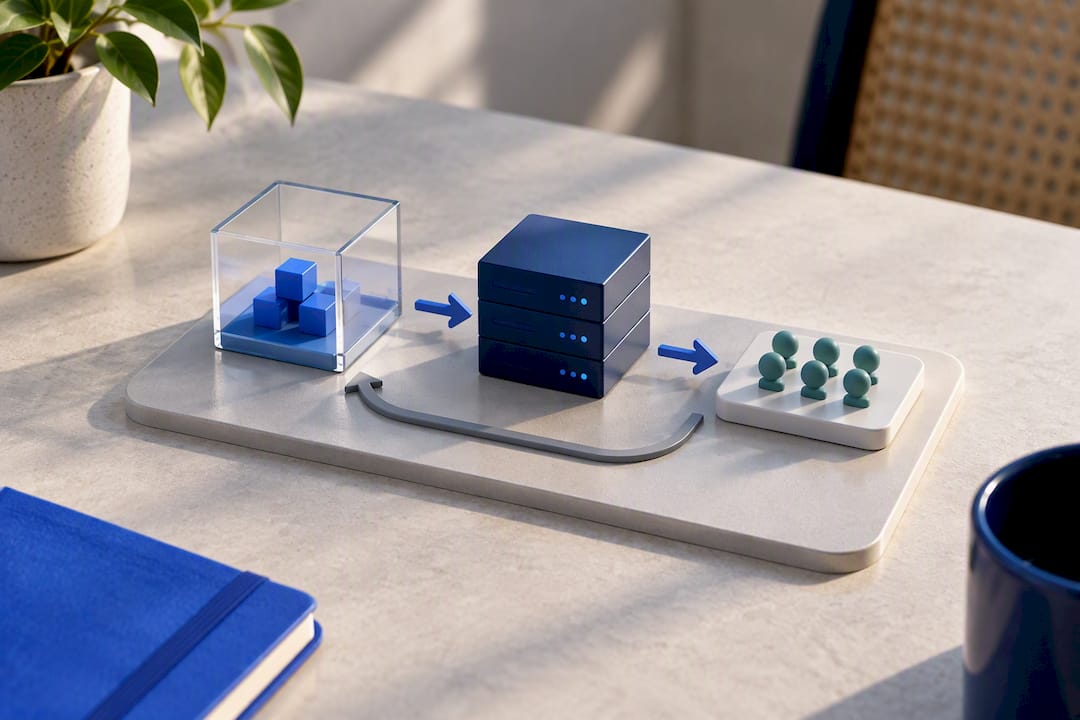
A custom translator voice runs three jobs in sequence, fast enough that they feel like one. Speech comes in, gets transcribed by automatic speech recognition (ASR), gets translated by a machine translation (MT) engine, and comes back out through text-to-speech (TTS) that can be a cloned voice or a curated synthetic one. That's the whole pipeline. What separates a basic translator from a "custom" one is what happens at that last step and how much control you get over the middle.
Most platforms give you a handful of runtime features on top of the core loop:
- Interim and final transcription results, so you see text appear as someone talks instead of waiting for a full sentence
- Auto language detection, useful when a caller switches languages mid conversation
- Speaker diarization, which separates who said what in multi-person calls
- Custom glossaries, so brand names and technical terms don't get mangled in translation
Language count matters more than it looks on a spec sheet. A platform offering 60 languages versus one offering over 100 languages isn't just a bigger number. It's the difference between covering your core markets and covering the unexpected caller who speaks Tagalog or Amharic. Voice diversity works the same way: more source voices to clone from or choose between means fewer awkward mismatches between who's speaking and what listeners hear.
How Do You Build a Custom Voice Through an API?
Creating a custom voice isn't a black box, but it does follow a strict order, and skipping a step usually means a rejected request. Here's the sequence most developer-facing platforms follow:
- Record consent. The speaker reads an approved consent phrase aloud. This recording gets stored with a consent ID that must match the person in the voice sample, not just resemble them.
- Record the sample. OpenAI's custom voice API requires at least five seconds of speech and 15 transcribed text tokens, submitted in a supported format like WAV, MP3, OGG, AAC, FLAC, WebM, or MP4.
- Upload consent, then upload the sample. Order matters here because the consent ID is what ties the sample to a real, willing speaker.
- Create the voice via API call. This returns a voice ID.
- Reference that voice ID in your realtime session. One catch worth flagging: sessions started with one voice generally can't switch mid-session, so build quick reconnect logic if your product lets users change voices on the fly.
Keep the whole creation flow server-side. Use project-scoped API keys with the right OAuth scopes (something like api.voices.read and api.voices.write) rather than shipping broad credentials to a client app. That keeps a stolen mobile binary from being able to mint new voices on your account.
Test in a sandbox environment before touching production, and roll out new voices to a small user segment first rather than flipping the switch for everyone at once.
Pro Tip: Run your consent and sample recordings in the same session, back to back. Mismatched recording conditions, background noise on one, silence on the other, are a common reason voice creation requests get flagged during review.
How Much Latency Should You Expect From Real-Time Translation?
Latency in a custom translator voice comes from four places stacked on top of each other: ASR processing time, MT translation time, TTS synthesis time, and network round-trip time (RTT) between your app and the provider. Each one adds milliseconds, and they add up fast if you're not watching them individually.
A few numbers worth measuring rather than guessing at:
- Time-to-first-audio at the P90 and P95 percentile, not just the average, since averages hide your worst user experiences
- Bandwidth and codec overhead, which shifts noticeably between a clean office Wi-Fi connection and a spotty mobile network
- Concurrent session load, since GPU and CPU costs on the provider side scale with how many streams run at once
Azure's speech translation service supports streaming ASR through translation through synthesized speech with interim results and Live Interpreter auto-detection, and its documentation flags that adding more target languages in a single session increases both cost and processing time. That's a useful reminder: translating into three languages at once isn't three times the work, it's often more, because you're running parallel MT and TTS passes.
Deploying in the same region as your users, or using a private instance, cuts network RTT meaningfully. If your users are split across continents, multi-region failover matters more than raw model quality.
How Do You Handle Consent and Privacy for Cloned Voices?
Consent and the voice sample are two different things, and treating them as one is where most custom voice projects run into trouble. The consent recording has to use the exact approved phrase, spoken by the same person whose voice you're cloning, and it needs its own ID linking it to that sample. If the two don't match, the request fails compliance checks and gets rejected outright.
Operationally, a few things need to be in place before you ship:
- Encryption in transit and at rest for both the consent recording and the resulting voice model
- A minimal retention policy, so voice data doesn't sit around longer than the use case requires
- Ephemeral voice models for high-sensitivity contexts, where the voice exists only for the length of a session and then disappears
- A clear revocation path, so a user who withdraws consent has their voice model deleted, not just deactivated
Pro Tip: Show users exactly what phrase they're consenting to before they record it, and give them a one-tap way to revoke that consent later. Consent that's buried in a terms-of-service page doesn't build trust, and it won't hold up well if a user disputes it.
Where Do Custom Translator Voices Get Used?
Custom translator voices show up anywhere two people who don't share a language need to sound natural talking to each other. The most common deployments:
- Peer-to-peer multilingual chat, where hands-free voice mode lets someone speak naturally instead of typing
- Live support calls, where a support agent's voice gets translated in real time for a customer overseas
- Events and webinars, where a single speaker's voice gets cloned into multiple translated audio tracks
- In-ear translators for travel or field work
- Localized voice agents that need a consistent, on-brand voice across every supported language
Integration usually happens one of three ways: a client SDK talking to a server-side streaming bridge, a native SDK embedded directly in a mobile app, or a telephony and SIP adapter for call-center environments. Multilingual support in travel and event settings is a good example of how quickly this moves from novelty to necessity once a business operates across borders.
Before picking an approach, run it against a short checklist: language coverage against your actual user base, P90 latency under real network conditions, how consent is captured and revoked, how much control you get over pitch, pace, and emotion, and whether pricing is transparent enough to forecast at scale.
What Actually Breaks in a Custom Voice Pilot
Most pilots fail on comprehension, not fidelity. Chasing a perfect-sounding clone before the translation is even reliable is backwards. Test with a small group that includes different accents, devices, and network conditions, and watch for consent mismatches and thin test vocabulary. Those two cause more failed launches than any model limitation.
— Poul
Why Oralingo Fits Teams That Want Translation Without the Build
Building a custom translator voice from scratch means managing consent flows, API keys, and latency tuning yourself. Oralingo skips that build entirely: it's a real-time chat translation app with hands-free voice mode already wired in, so you get natural spoken conversations across over 100 languages without writing a line of pipeline code.

Oralingo translates messages before they display, so conversations flow without the stop-and-wait feel of typing into a translator. Every conversation is end-to-end encrypted, which matters if you are concerned about privacy in your communications. If you want to see how multilingual voice chat performs in a real conversation before committing engineering time to a custom build, start a quick pilot on the Oralingo app and test it with your own team's languages first.
Sources
FAQ
How Long Does a Voice Sample Need to Be?
A usable voice sample needs at least five seconds of speech and 15 transcribed text tokens, according to OpenAI's custom voice documentation. Shorter clips or samples with too little spoken content typically get rejected during voice creation.
Can I Use a Custom Voice in a Live Call?
Yes. Once a voice is created, you reference its voice ID in a realtime session, though most platforms don't allow switching voices mid-session without reconnecting. Plan reconnect logic into your app if users might change voices during a call.
Why Does Consent Matter Separately From the Voice Sample?
Consent has to come from the same person as the voice sample, use the exact approved phrase, and carry a matching ID, or the request fails compliance review. Treating consent as a checkbox instead of a verified recording is the most common reason voice creation gets rejected.
What Latency Should I Target for Real-Time Translation?
Aim for sub-second to conversational-feeling time-to-first-audio, measured at the P90 and P95 percentile rather than the average. Deploying closer to your users' region and limiting the number of simultaneous target languages both help hit that target, per Azure's speech translation guidance.
How Much Does a Custom Translator Voice Cost?
Custom voice pipelines typically price by usage, streaming minutes, and number of target languages, since translating into multiple languages at once adds processing cost. Oralingo doesn't publish pricing tiers on its site, so check Oralingo directly for current plan details.