
Finding a real-time chat translation app that works across languages and fits your device needs is time-consuming and confusing. Many platforms limit language support, require complex setup, or restrict usage to either mobile or desktop only. This guide compares price, accuracy, platform support, and privacy so organizations and teams can choose a chat translator that matches their workflow.
Table of Contents
Oralingo
At a Glance
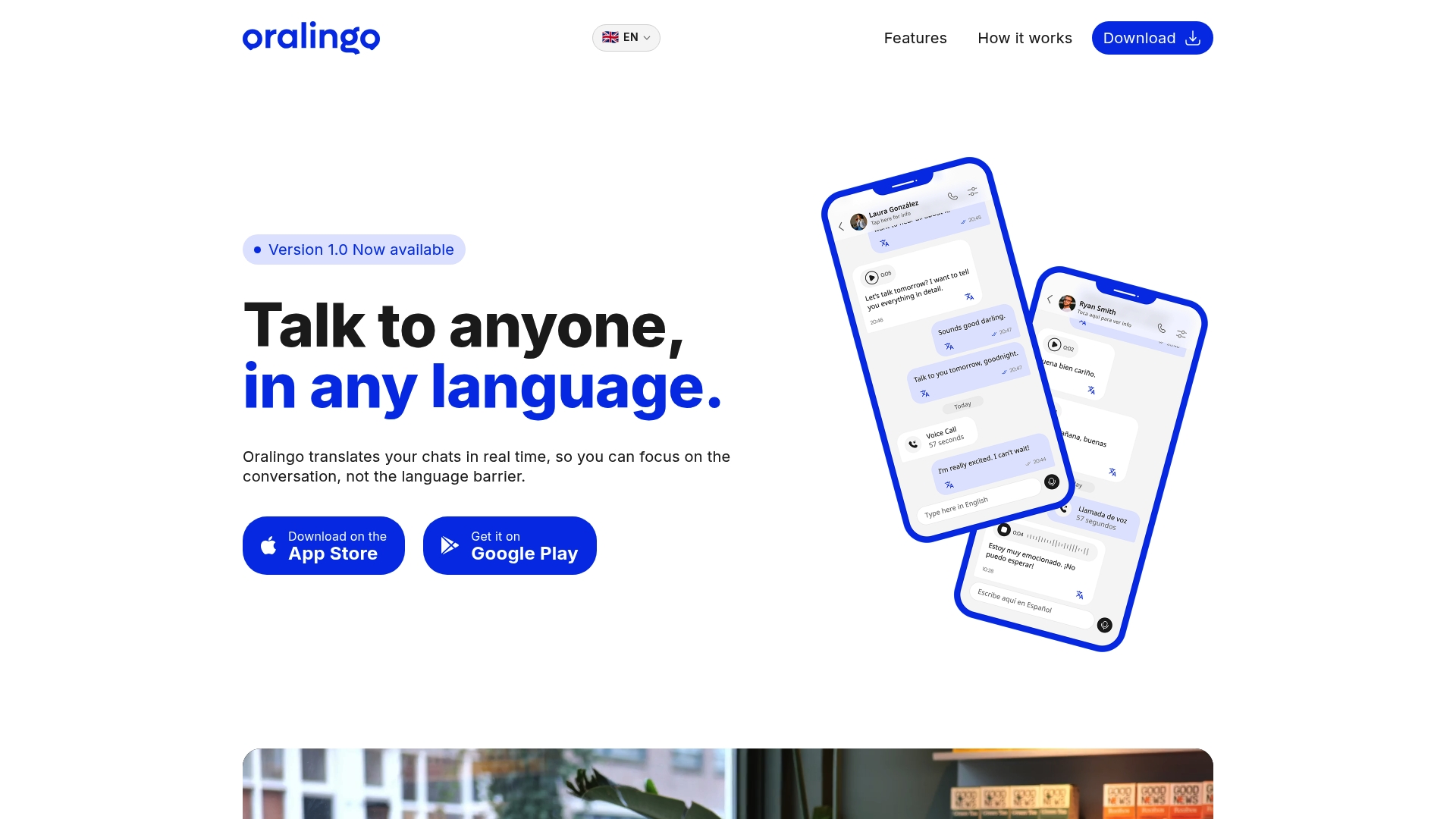
Oralingo's marketing materials state a 99% accuracy rate for translations. That claim appears alongside support for over 100 languages and instant message translation before display. The app also uses end to end encryption and is available only on iOS and Android.
Core Features
Oralingo performs real time chat translation so messages appear translated in the conversation without requiring manual copy and paste. The app offers a hands free voice mode for speaking and listening and plans to add live voice call interpretation soon. The setup is intentionally simple, and the app uses end to end encryption to protect each discussion.
Key Differentiator
Real time translation that displays the other person's words instantly while keeping the conversation private. Oralingo combines pre display translation with a mobile first workflow so you do not pause chats to translate. The focus on privacy and minimal setup reduces friction for people who lack language skill or technical patience.
Pros
Oralingo supports more than 100 languages, which makes it useful for travel, family chat, and casual international collaboration. The app's private design uses end to end encryption for each conversation, which keeps messages and voice exchanges protected. Setup requires no tutorials or language background, so you can begin chatting and using voice mode quickly. The vendor advertises live call translation as an upcoming feature, and that accuracy claim is cited in the product materials.
Cons
- Limited to mobile apps only; there is no desktop or web version available
Who It's For
You will like Oralingo if you need instant multilingual chat and voice on your phone. It fits mobile users who want quick personal conversations with friends, family, or local contacts while traveling. It is less useful for teams that need a desktop client or an enterprise deployment.
Unique Value Proposition
Instant pre display translation keeps the message flow intact so you do not interrupt conversations to translate text. That pattern speeds exchanges during short chats and when switching between text and voice. The encrypted design lets you use this flow for personal or sensitive conversations without adding configuration steps. For mobile-first users, this saves time compared with juggling multiple translation apps.
Real World Use Case
A traveler in a foreign city opens Oralingo and types a short question to a shop owner. The owner replies in their language and you read the translated message immediately. When your hands are full, you switch to voice mode and carry on the conversation without typing.
Website: https://oralingo.app
Trulinco
At a Glance
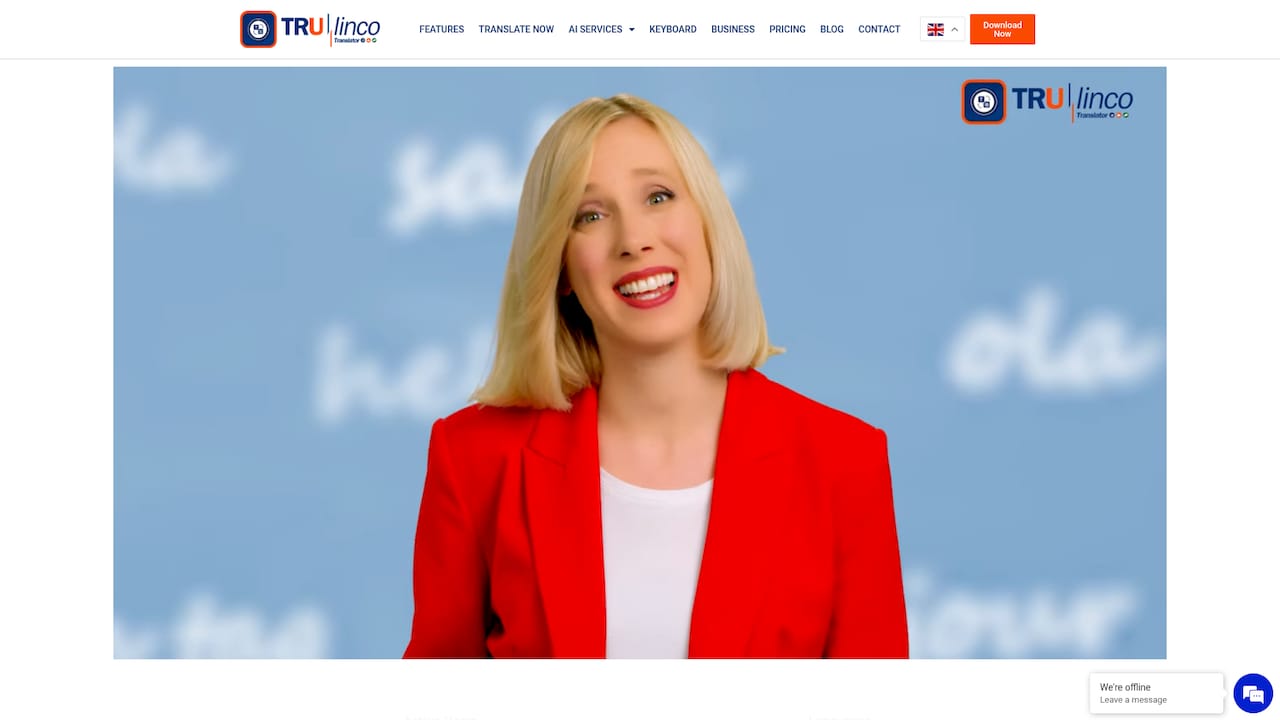
The vendor advertises support for over 73 languages, which it pairs with live conferencing and chat translation. Trulinco combines video calls, voice calls, chat, and seminar support into one service. That mix targets both individual users and teams that need multilingual meetings and events.
Core Features
Trulinco offers live translation across video, voice, and chat, plus document, image, and audio video translation in the same environment. The platform includes an API for automated translation workflows and tools to localize content for legal, marketing, and software use. It also provides teleconferencing features that let participants hear or read translated speech during live sessions.
Key Differentiator
Trulinco focuses on providing real time translation across multiple channels while adding industry specific customization for legal, marketing, and software contexts. That focus means the translation model adapts terminology and tone for each field rather than treating all sessions the same. Teams that need consistent vocabulary across meetings and localized deliverables will find that approach useful.
Pros
Vendor materials highlight wide language coverage and support for multiple communication modes, which helps international teams run meetings without juggling separate tools. The presence of an API lets IT teams embed translation into existing workflows, reducing manual file handling. Multiple subscription plans, including business options, give organizations a path from individual testing to team deployment.
Cons
-
Limited transparency on data security and confidentiality protocols. This gap raises questions for teams with strict privacy requirements.
-
A broad feature set can feel complex for new users. Account setup and feature discovery may require time or support.
-
Translation accuracy can vary by language pair and context. Customer feedback mentions accuracy as an area that sometimes needs review.
When It May Not Fit
Trulinco requires an internet connection for live translation and conferencing, so offline work is not supported. If you need guaranteed accuracy for niche language pairs or specialist legal wording, this platform may need human review or higher tier plans. Smaller teams that want a single simple chat translator might find the full teleconferencing feature set more than they need.
Who It's For
Global organizations, remote teams, and customer support groups that run multilingual meetings will benefit most from Trulinco. The platform also fits individual professionals who host international seminars and need live translation. Companies that want API access to automate translation workflows will find the product aligns with that need.
Real World Use Case
A mid sized company runs weekly sales calls with regional offices in four countries. Trulinco translates spoken updates and chat messages during the meeting so participants read the same notes in their language. Teams use the API to archive translated transcripts for compliance and marketing reuse.
Pricing
Plans vary by level. The vendor lists Standard at €14/month, Premium at €19/month, and Business at €34/month. Pay per feature options start at €5/month for specific add ons.
Website: https://trulinco.com
Globr
At a Glance
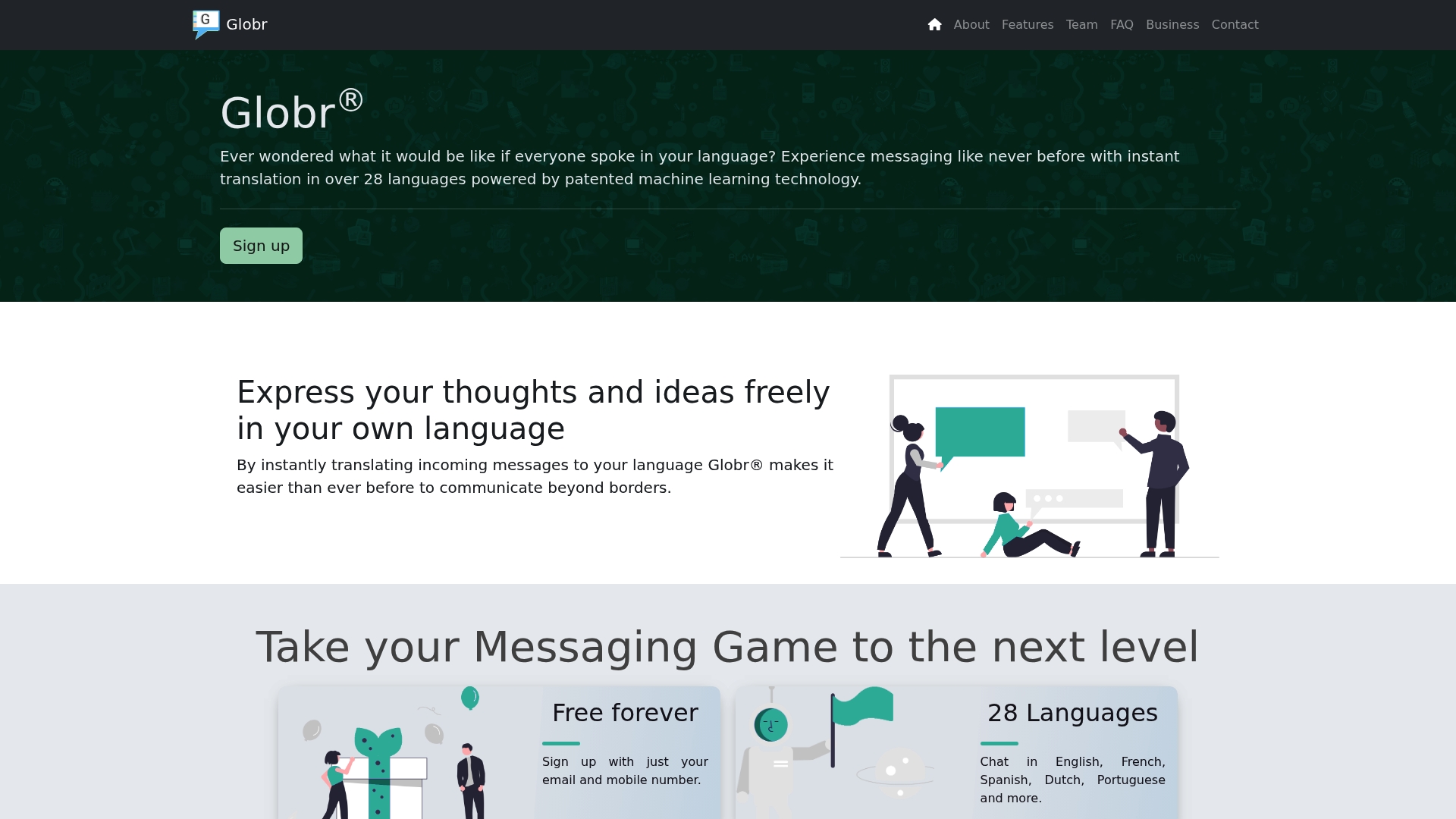
According to the company, patented machine learning translation technology developed over seven years powers Globr and handles instant messages across 28 languages. The app pairs that translation with end to end encrypted chat and a community called Bantr®. Globr targets free Android messaging and group conversation with emoji and quick original message viewing.
Core Features
Globr offers instant message translation across many languages while keeping messages private through end to end encryption. The app includes emoji support and a Swype feature that lets you quickly read the original text without switching views. Bantr® acts as a community layer where people post and reply with real time translation active in threads.
Key Differentiator
The product stands out for its claim of a continuously learning translation engine. That claim says the engine adapts over time to improve translation quality for common phrases and contexts. For teams or groups that trade mixed language content often, this adaptive model aims to reduce repeated correction work. The vendor frames this as a long term development advantage compared with static rule based translators.
Pros
Globr is free to use and lets you sign up with either an email or a mobile number, which lowers the barrier to try it. The app highlights support for many top world languages and promises translation improvements as the machine learning model trains on real conversations. Security is explicit with 128-bit encryption called out, so people who value privacy have a clear signal. Small conveniences like emoji support and the Swype original text view make daily chat feel familiar and fast.
Cons
-
Limited public documentation about additional features or external integrations makes it hard to map Globr into an existing tool set.
-
The vendor materials mention Android availability but do not list an iOS app or native desktop client.
-
No third party reviews or independent user feedback are shown, so common pain points and long term reliability remain unclear.
Who It's For
You should try Globr if you need simple multilingual messaging on Android and you care about private chats. The app fits individuals, small groups, or communities that want to speak in different languages without switching apps. It also suits language learners who want live practice with translation visible in context.
Real World Use Case
A distributed project team uses Globr to run daily stand ups with members in different countries. Each person writes in their native language and the team reads the translated text immediately. Bantr® provides a space for wider topic discussion where contributors across time zones reply in their language and still follow the thread.
Website: https://goglobr.co.uk
GlobeChat
At a Glance
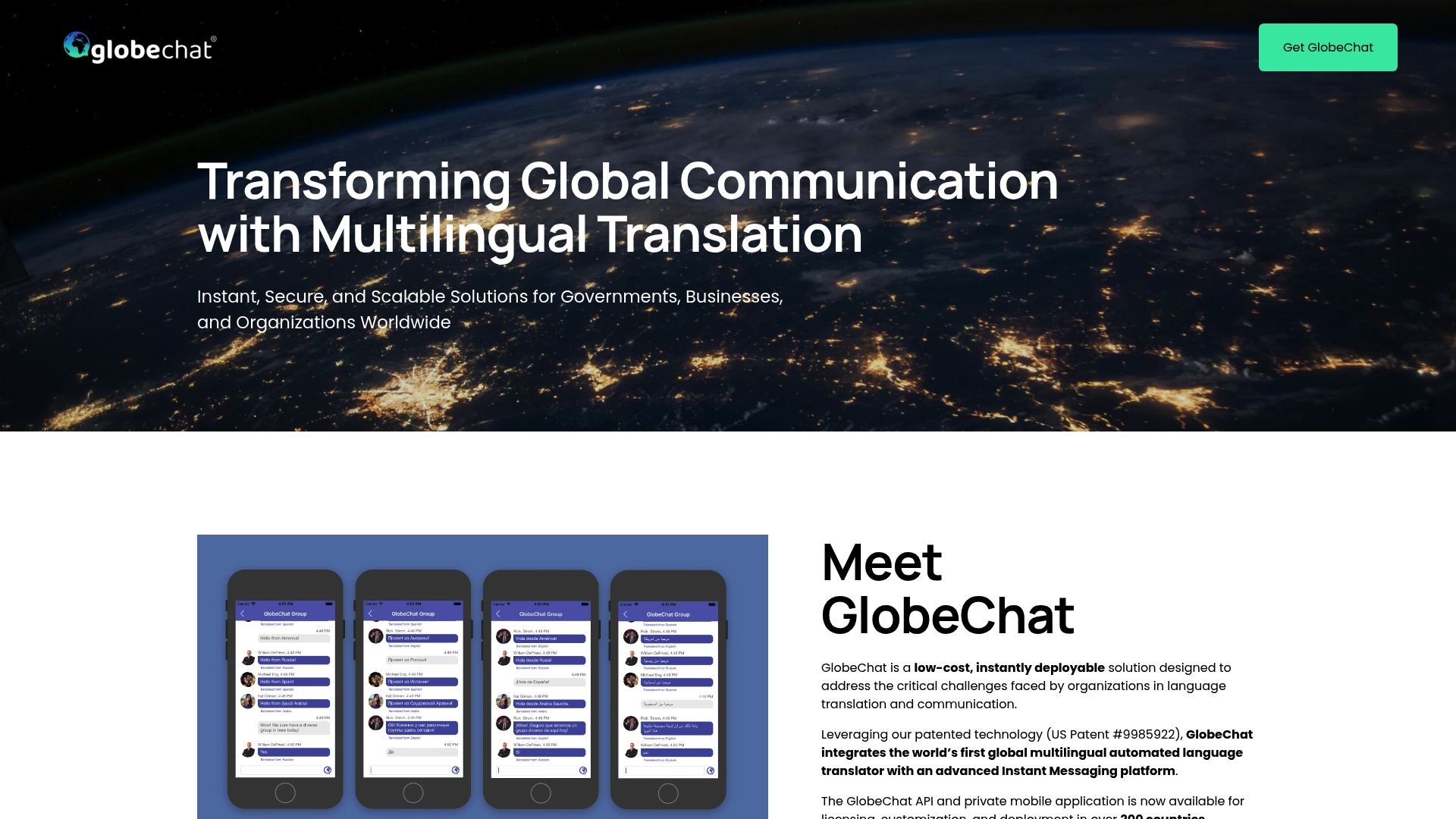
GlobeChat reports support for 130 languages and deployment across more than 200 countries. The vendor positions the product as a low cost, instantly deployable option for large organizations. It pairs automated translation with an instant messaging layer designed for secure, group based global communications.
Core Features
GlobeChat combines instant translation across many languages with standard messaging features, participant controls, and group management for cross office use. The platform exposes an API for integration and includes a mobile app administrators can customize for different teams. It uses end to end encrypted messaging to keep conversations private while consolidating communications from multiple locations.
Key Differentiator
GlobeChat embeds automated language translation directly into an instant messaging environment, making translated messages appear inside the same conversation rather than as a separate tool. That coverage supports multinational deployments and reduces the need to toggle between translation services. The product is aimed at governments and large institutions that require consolidated, secure multilingual chat rather than consumer focused chat translation.
Pros
Wide language support and global deployment give organizations broad geographic reach. The customizable API and mobile app let technical teams embed translation and messaging into existing systems without rebuilding core workflows. End to end encryption and group level controls keep sensitive communications private for government, corporate, and BPO use.
Cons
-
Limited public detail on the user interface and daily participant experience makes it hard to judge ease of use.
-
No public pricing is listed. Pricing appears to follow a custom or enterprise model.
-
Scalability for extremely large organizations is not specified and may need direct vendor validation.
When It May Not Fit
GlobeChat depends on internet connectivity for real time translation and messaging, so it is not suited to offline or severely limited network environments. Organizations without internal technical resources may find API integration and customization require outside support. Small teams seeking simple consumer apps will likely find the enterprise focus and sales process misaligned with their needs.
Who It's For
This product fits large organizations, government agencies, BPOs, and educational institutions that need multilingual, managed communication across borders. It works for teams that can dedicate IT resources to integrate and customize the platform. It is not aimed at individual consumers or small groups without support staff.
Real World Use Case
A multinational company used GlobeChat to simplify internal communication among regional offices in multiple languages. Administrators mapped teams to groups and deployed the mobile app so staff received translated messages inside the same chat. That setup reduced reliance on ad hoc human translators and sped routine coordination across time zones.
Pricing
Pricing is listed as not applicable and GlobeChat does not publish public rates. The offering appears to use custom enterprise agreements and quotes. Contact the vendor for a tailored price and deployment options.
Website: https://globechat.com
Zoom Video Communications
At a Glance
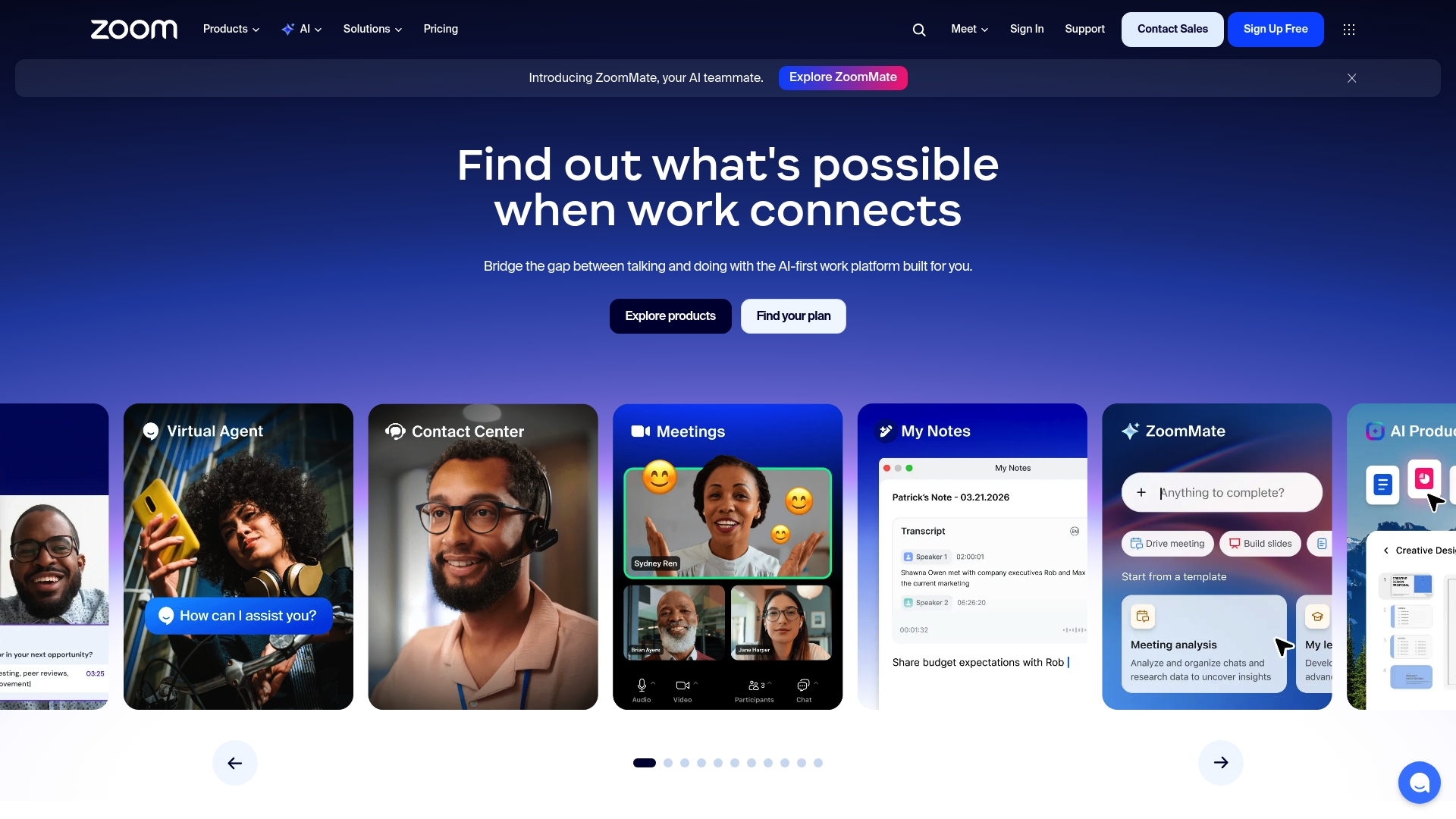
Zoom includes AI meeting summaries and automated note taking inside calls and webinars. The platform combines video conferencing, chat, phone, and collaboration tools for teams and classrooms. That mix makes meetings easier to review and reduces manual follow up.
Core Features
Zoom delivers high quality video conferencing and webinar hosting along with persistent chat and calling options. It supports collaboration with whiteboards and document sharing, and offers APIs and SDKs plus a marketplace for third party apps. The platform also includes contact center features for support teams.
Key Differentiator
Zoom stands out for its integrated AI that creates meeting summaries and automated notes during or after sessions. This feature reduces manual note taking and helps teams capture decisions and action items. The real time summaries connect directly with recordings and chat to speed follow up.
Pros
Zoom reports high customer satisfaction ratings. The vendor claim highlights wide adoption and a familiar interface that lowers training time. The product extends beyond simple calls into phone and contact center offerings while supporting custom integrations and SDKs for developers.
Cons
- Pricing may be high for small businesses or individual users who need many advanced features.
- Managing a large set of integrations and advanced features can feel complex for teams without an administrator.
- Data privacy and security concerns exist for sensitive communications. The platform requires careful configuration for regulated data.
When It May Not Fit
If your team routinely works where internet reliability is poor, Zoom will deliver a degraded experience. Small organizations with strict budgets may find advanced features cost prohibitive. Companies with highly regulated data needs should evaluate privacy controls closely before committing.
Notable Integrations
Zoom connects with Microsoft Teams, Slack, and Google Workspace for calendar and messaging flows. It also integrates with Salesforce and Zendesk for CRM and support workflows. Many additional apps are available through the Zoom App Marketplace.
Who It's For
Organizations and teams that need reliable video, calling, and event tools will find Zoom a fit. Educational institutions will use the classroom tools and webinar features for remote learning. Customer support teams looking for contact center capabilities can adopt Zoom for voice and chat routing.
Real World Use Case
Major League Baseball uses Zoom to support fan engagement and internal communication across distributed teams. Businesses host webinars and virtual events while using AI summaries to convert meetings into clear action lists. Support centers route calls and integrate CRM data for faster resolution.
Pricing
Plans start with a free tier and paid plans vary by feature set. Enterprise pricing is available for large organizations and includes additional administration and security options. Specific prices and plan details are listed on the Zoom website.
Website: https://zoom.us
Comparison of alternatives
When evaluating platforms for multilingual communication, Oralingo.app excels in preserving conversational flow and speed through instant, pre-display chat and voice message translation functionalities. However, alternatives offer distinct advantages depending on user requirements.
Integration and enterprise support
Trulinco offers a suite of tools that cater to organizations requiring flexible integration and industry-specific terminology support. Its API functionality allows businesses to embed translations into their workflows, making it a strong contender for customer support and legal contexts where operational accuracy is. While Oralingo focuses on mobile-based communication simplicity, Trulinco’s capabilities span large-scale business environments, demonstrating its niche strength over single-user-centric applications.
Community-driven and adaptive platforms
Globr is positioned for Android-based users and groups seeking community interaction and adaptive translation models. Its Bantr® feature, coupled with machine learning technology, appeals to groups that lean towards informal communication and a dynamic language learning approach. Contrastingly, Oralingo emphasizes private, individual communications over broader social fabric interactions, showcasing a stark division in target demographics.
Best fit
- Mobile users needing efficient multilingual chat tools: Oralingo.app supports quick and accurate pre-display translation with end-to-end encryption in a mobile-first design.
- Organizations seeking integrated workflow capabilities: Trulinco provides API flexibility and industry-specific configurations, proving for large teams requiring automated and live translations.
- Android-focused informal communities: Globr offers adaptive machine learning translations alongside community-centric features like Bantr®, catering to casual group conversations and language enthusiasts.
- Established enterprise teams: GlobeChat suits IT-supported multinational setups with customizable group messaging and real-time secure communication across global offices.
Our pick
Oralingo.app delivers on-the-go multilingual chat and voice communication, making it a preferred choice for mobile users prioritizing simplicity and instant translation for personal or semi-professional scenarios. However, it may not suit large organizations requiring broad tool integrations or desktop availability.
Here’s a concise comparison table highlighting key aspects of chat translation platforms, helping you make an informed choice for your needs.
| Product Name | Key Differentiator | Best For | Pricing | Notable Limitation |
|---|---|---|---|---|
| Oralingo | Instant pre-display translation | Mobile users seeking quick personal communication | Price not published | Limited to mobile apps only |
| Trulinco | Translation for video, voice, and chat | Teams needing workflows with API integration | €14–€34/month plans | Complexity for new users due to broad features |
| Globr | Continually learning translation engine | Android users requiring simple multilingual messaging | Free | No iOS app or desktop client available |
| GlobeChat | Customizable APIs for organization-wide use | Large entities with IT resources | Price not published | Focused on enterprise; not suitable for small teams |
| Zoom Video Communications | AI meeting summaries and automated notes | Teams needing integrated video and chat tools | Free plans; paid tiers on website | Pricing can be high for smaller groups |
How to Overcome Language Barriers with Real-Time Chat Translation
Communicating with friends, family, or teams across languages can be difficult. Many gomeetalk.com alternatives miss the mark on speed and privacy. Oralingo solves these problems by translating messages instantly before they appear in chat. You keep a natural conversation flow while protecting your privacy with end-to-end encryption.
Oralingo supports over 100 languages and offers a hands-free voice mode for easier talking. This makes it a great fit for mobile users who want quick, private chats without any setup hassle. See why international business professionals and casual users trust Oralingo.
Try Oralingo today to break language barriers. Download the app and start chatting in your preferred languages with 99 percent translation accuracy.
FAQ
How does Oralingo ensure translation accuracy?
Oralingo boasts a 99% accuracy rate for translations. This high level of accuracy supports its effectiveness for real-time chat translation, ensuring clear communication in various languages. Users can confidently engage in conversations knowing they will receive reliable translations.
What is the difference between Oralingo and Trulinco in terms of features?
Trulinco offers robust support for live conferencing and integrates chat translation within a single service. In contrast, Oralingo excels in real-time chat translation and provides a hands-free voice mode for seamless communication. Choose Oralingo for quick personal conversations while Trulinco may be better suited for larger meetings.
Can I use Oralingo if I need to communicate in a group setting?
Oralingo is ideal for instant multilingual chat and voice when used on mobile devices. This platform is best for individual and small group interactions, making it easier to have personal conversations without the need for complicated setups.
How does Oralingo's encryption impact my conversations?
Oralingo uses end-to-end encryption to protect each discussion, keeping messages and voice exchanges secure. This approach allows users to communicate freely without worrying about privacy concerns.
Which platform is better for multilingual team collaboration, Oralingo or GlobeChat?
GlobeChat focuses on providing a comprehensive solution for larger organizations needing managed communication across multiple languages. While Oralingo is excellent for personal chats, GlobeChat may be more suited for enterprise deployments requiring greater scalability and integration options.