
Finding a real time chat translator that supports many languages and keeps conversations natural is still difficult for teams and individuals. Many real time translation apps restrict language count, limit speed, or charge extra for core features like offline usage or group meetings. This comparison makes it easy for teams and individuals to match six top alternatives to their speed, security, and usage needs without paying for features they never use.
Table of Contents
- Oralingo
- Trulinco Translator
- Streamlingo
- Lingopal
- SpeakShift.ai
- iTranslate
- Comparison of alternatives
Oralingo
At a Glance
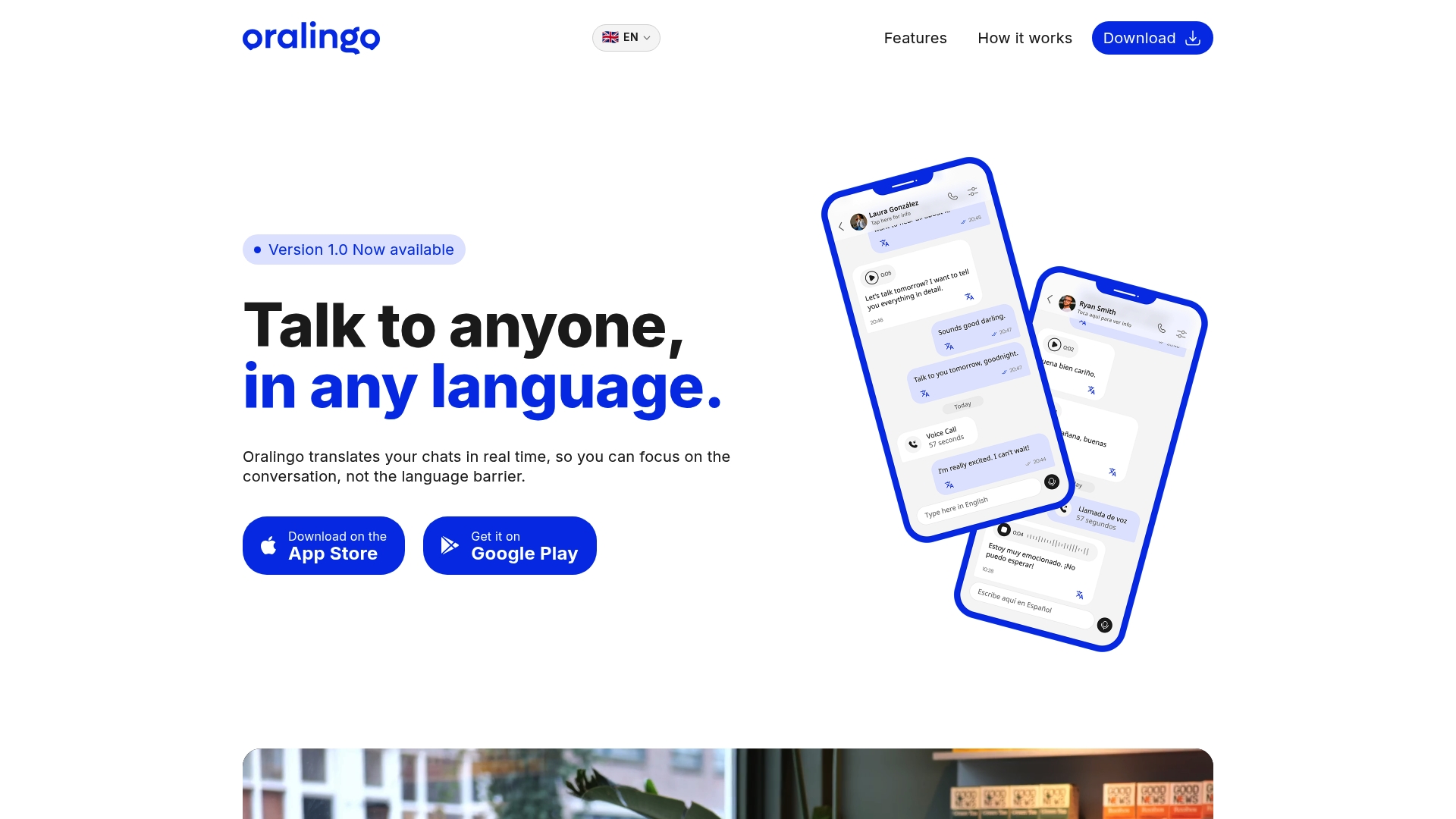
The vendor advertises support for over 100 languages. According to the company, Oralingo reports 99% accuracy for its translations. Translations arrive instantly before messages display on-screen, and the app pairs that speed with a privacy-first design.
Core Features
Oralingo performs real-time chat translation and preserves tone and context across messages. It offers a hands-free voice mode for speaking and listening, plus an upcoming live call translation feature. The app uses end-to-end encryption and asks language preferences during onboarding to keep setup quick.
Key Differentiator
Oralingo stands out for combining broad language coverage with context-aware translation and a private design that keeps conversations encrypted.
Pros
Oralingo handles many languages while keeping conversations natural. The real-time translation appears before a message shows, which preserves conversational flow and reduces back-and-forth. The hands-free voice mode makes verbal exchanges practical when typing is inconvenient. The onboarding asks language preferences up front, so people can start chatting without tutorials.
Cons
- Live call translation is upcoming and not currently available.
Who It's For
Individual travelers and multilingual professionals who need quick, private translation on mobile devices will get the most value. It also fits friends and family who want instant message translation and simpler voice chats across languages. People who need offline functionality may find the reliance on internet connectivity limiting.
Unique Value Proposition
Oralingo translates messages instantly before they appear on-screen. That behavior keeps conversations fluid and reduces the need to copy, paste, or switch apps while chatting. For professionals on short calls, that means fewer interruptions and clearer exchanges. For casual users, it makes multilingual chats feel like normal messaging.
Real World Use Case
A traveler uses Oralingo to message and speak with locals while visiting a foreign city. They set language preferences during onboarding, send a message, and see the translated reply immediately on-screen. Voice mode lets them ask questions hands-free and continue the conversation naturally.
Pricing
The vendor does not list a public pricing model. Pricing is not available in the app description or introductory materials, so try the app to learn about any subscription tiers or in-app purchases.
Website: https://oralingo.app
Trulinco Translator
At a Glance
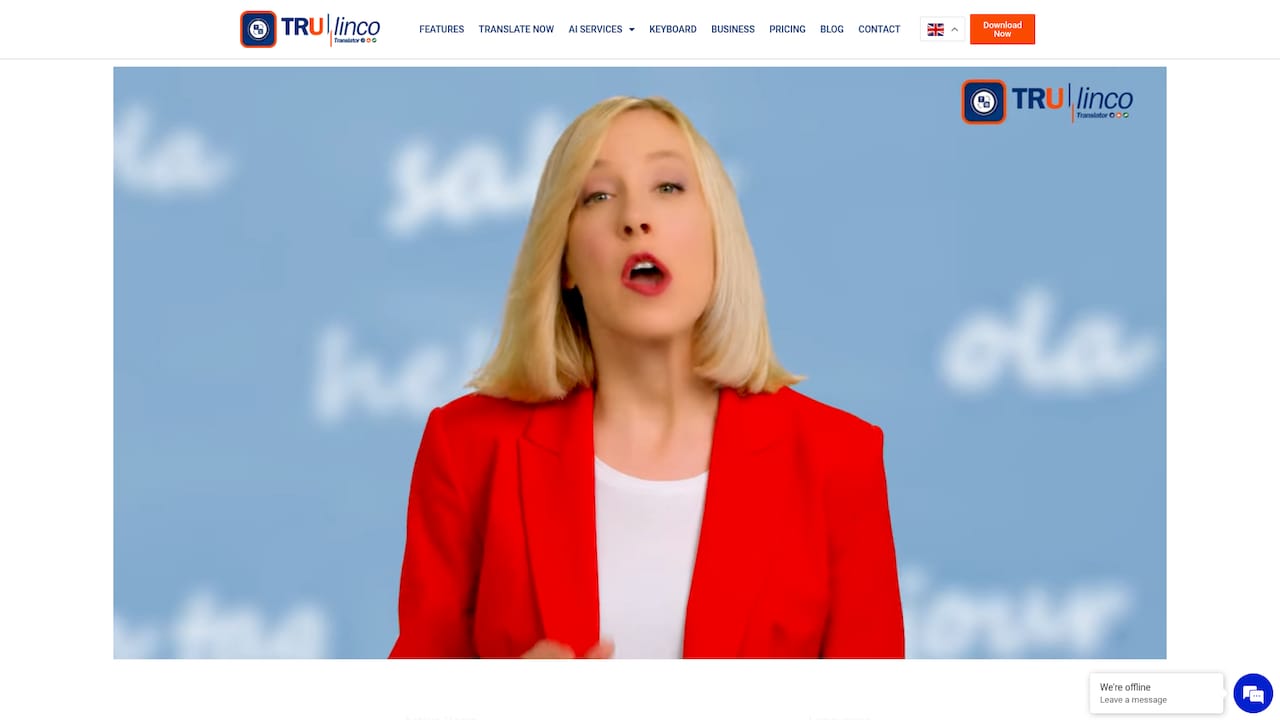
Supports 69 languages with live translations for video calls, voice calls, chat, and documents. This breadth lets people move between media without changing tools. The interface works on web, desktop, and mobile for both individuals and teams.
Core Features
Trulinco delivers real-time translation across video, voice, and text, and it also translates documents, images, audio, and video. The product includes an API for automated workflows and integrates into existing systems. Clients can use the web app or install desktop and mobile apps to keep conversations and files translated across devices.
Key Differentiator
Trulinco combines live speech translation and document localization in one product, all while supporting more than 69 languages. That mix makes it practical for meetings that require on-the-fly speech translation plus immediate access to translated documents. The integration option targets teams that need translation inside their existing apps and processes.
Pros
The product supports multiple communication modes, which reduces the need to pull separate tools for calls and documents. Pricing choices include monthly subscriptions and pay-per-feature options, so small teams can try features without a large commitment. The API lets developers add translation into customer service flows or intranet tools. The interface consistency across web, desktop, and mobile keeps training time low for teams.
Cons
- Third-party reviews report varying translation accuracy by language pair and context, so critical text may need human review.
- The provided content lacks clear detail on data security measures, and customers should verify protection for sensitive material.
- Group call translation is listed as an upcoming feature, so large meeting support may be limited today.
When It May Not Fit
If you need guaranteed high accuracy for legal or medical content, Trulinco may not be appropriate without human review by language experts. If your workflow requires mature group call translation, current feature timing may not meet your deadline. Buyers who require published security attestations should confirm those details directly with the vendor.
Who It's For
Teams and individuals who run multilingual meetings and need both live speech translation and on-demand document translation will find Trulinco useful. Developers who want to embed translation into apps will value the API. Small international businesses that prefer flexible pricing have straightforward options to test the service.
Real World Use Case
A multinational product team holds a weekly planning call where attendees speak three different languages. Trulinco translates each speaker live and also produces translated meeting notes and a translated slide deck. The team reduces follow-up confusion and speeds up decision making across offices.
Pricing
Individual plans range from €5 to €34 monthly, and business plans plus pay-per-feature options are available for larger deployments. The vendor lists per-feature pricing for document and media translation, which lets teams pick only the capabilities they need.
Website: https://trulinco.com
Streamlingo
At a Glance
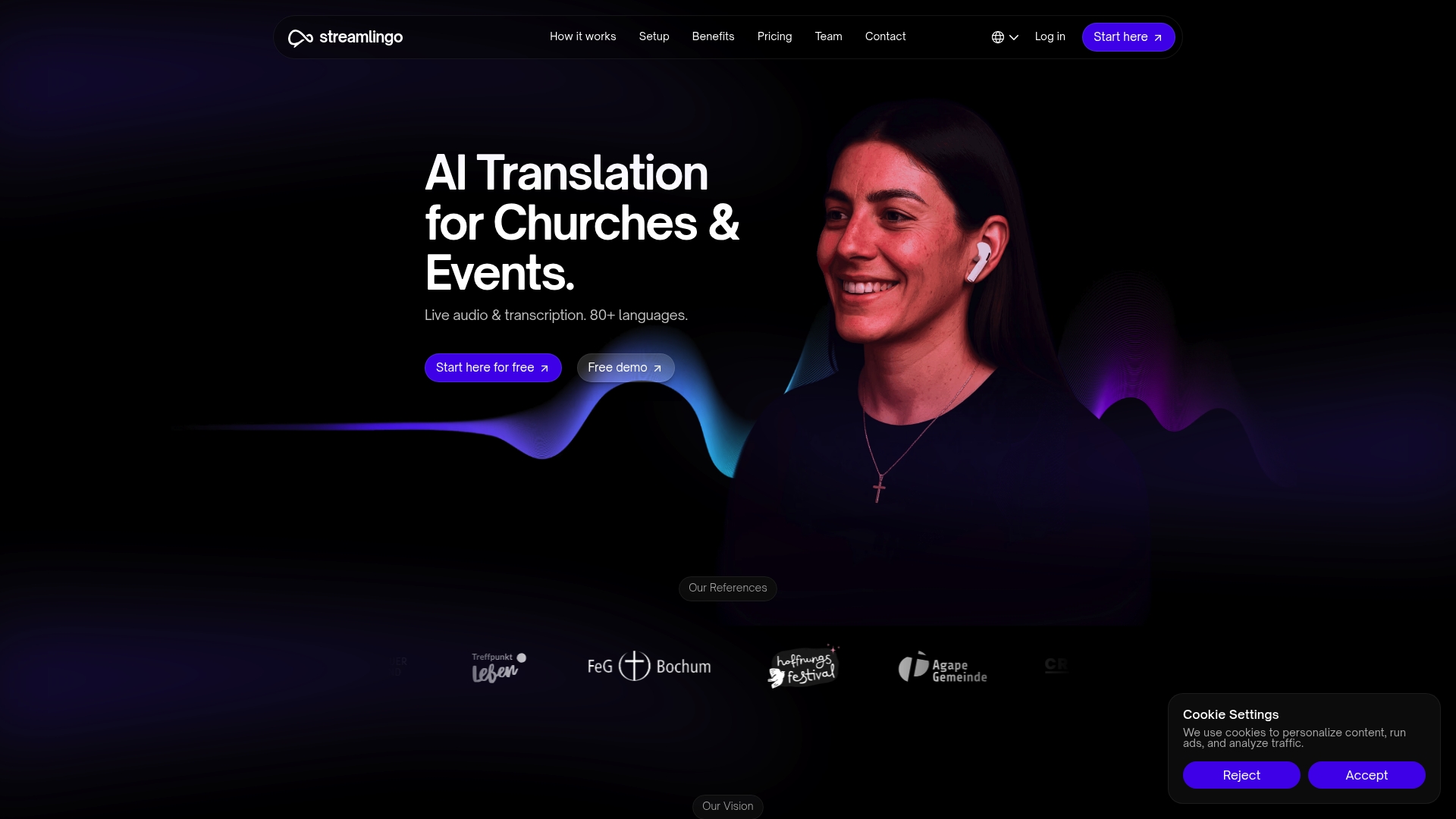
Live audio translation covers over 80 languages for audience headphone streaming. Streamlingo's marketing materials state GDPR compliance. The platform pairs live transcription with QR code language selection so attendees can pick their language on arrival.
Core Features
Streamlingo delivers live audio translation and real-time transcription for spoken services and events. It supports both AI-driven channels and human translator channels, and it can stream original audio for accessibility. Setup is described as plug and play, and the system connects to existing sound systems via multiple audio input options.
Key Differentiator
The standout feature is the combination of broad language coverage and simple on-site language selection through QR codes. That language count and the QR selection remove the need for interpreter booths in many small to mid sized gatherings. The option to mix AI translation with human backup gives you control over accuracy and cost.
Pros
Setup claims are concise and practical, with vendors saying installation takes about five minutes and works with common audio inputs. The platform supports many languages and dialects, which makes it useful for congregations and community events with varied language needs. Pricing starts near 10€/hour, and you can choose AI channels or add human interpreters for specific sessions.
Cons
- Limited detail on specific integrations with existing church audio systems, which complicates planning for complex setups.
- Buyer feedback indicates effective core translation but fewer options for deep customization of audio routing or caption appearance.
- Add-on hardware such as microphones and headphones are sold separately, adding cost and logistics.
When It May Not Fit
If you lack a compatible audio input device or a stable internet connection, Streamlingo will not work as intended. Very large or technically complex conferences that need professional interpretation racks are likely better served by dedicated interpretation systems. Events that require fully offline translation or heavy custom audio engineering will find this solution limiting.
Who It's For
Churches, event organizers, and community groups that need affordable, easy to install live translation will find this approach practical. If you want rapid attendee language selection and headphone streaming, this fits well. If you run high end conference interpretation with many channels you should consider traditional interpretation vendors instead.
Real World Use Case
A church broadcasts sermons to visitors who speak several languages. Attendees scan a QR code at the door, select their language, and listen on rented headphones while the system shows live captions. Mixing AI translation with a human reserve translator keeps costs down and raises confidence for critical services.
Pricing
Pricing starts from approximately 10€/hour with various subscription plans and a free trial available. Hourly billing targets event based use rather than fixed monthly licensing for continuous streams. Additional costs apply for hardware and optional human translators.
Website: https://streamlingo.net
Lingopal
At a Glance
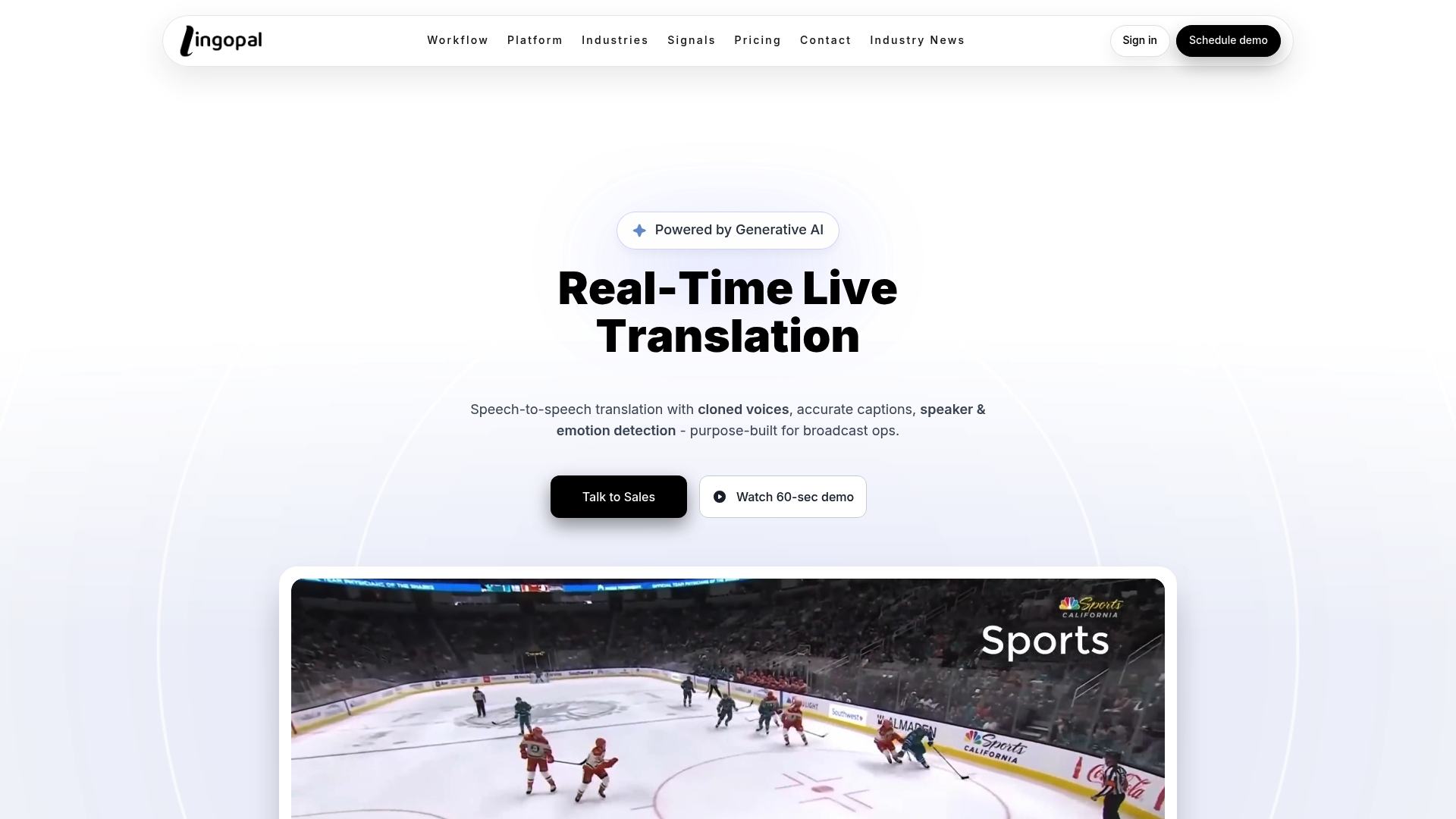
Lingopal claims support for up to 70 languages simultaneously, which positions it for major multilingual broadcasts. The vendor advertises measured accuracy at 0% BLEU. That accuracy figure raises caution for technical or nuanced translations.
Core Features
Lingopal accepts SRT, HLS, RTMP, MP4, and API streams and files, so broadcasters can feed common transport formats. The system runs speech to text, translation, emotion detection, and voice cloning to produce multilingual audio and captions. The dashboard supports editing, content management, dubbing, and document translation for live and GOD workflows.
Key Differentiator
Lingopal pairs real time translation with voice cloning that preserves speaker tone and emotion. That pairing targets live broadcasts and on demand workflows that need consistent voice identity across languages. The feature aims to keep commentary natural while reaching multilingual audiences.
Pros
Lingopal handles a wide array of input formats, which reduces format conversion work for broadcast operators. Its voice cloning keeps the original speaker tone, which helps audiences follow commentary across languages. The platform reports enterprise grade uptime and performance, and it offers flexible pricing tiers aimed at different organizational sizes. These strengths make it suited to sports, news, education, and large event broadcasts.
Cons
- Measured accuracy reported at 0% BLEU. That metric suggests limited precision for technical or nuanced content.
- Pricing details are available only on request, which slows procurement for some teams.
- No explicit list of integrations with specific broadcast hardware or third party tools is published.
- Enterprise setup may feel complex for smaller teams with simple translation needs.
When It May Not Fit
If your show requires near perfect technical translation, this product may not meet that need because of the reported BLEU figure. If your team lacks broadcast engineering resources, the enterprise setup and operator controls may add overhead. If low latency over unreliable networks is a risk, the service can depend heavily on network quality for performance.
Who It's For
Large broadcast teams, media organizations, and enterprise communications groups will find this product relevant. Teams that run multilingual live events and need voice identity across languages gain the most. Smaller producers and lean teams are less likely to get value without extra engineering support.
Real World Use Case
A regional sports network deployed Lingopal to deliver Spanish and Portuguese live translations during matches. The channel kept speaker tone with voice cloning and expanded viewership among fluent audiences. The network reported higher engagement across weeks of streaming while preserving the original delivery style.
Website: https://lingopal.ai
SpeakShift.ai
At a Glance
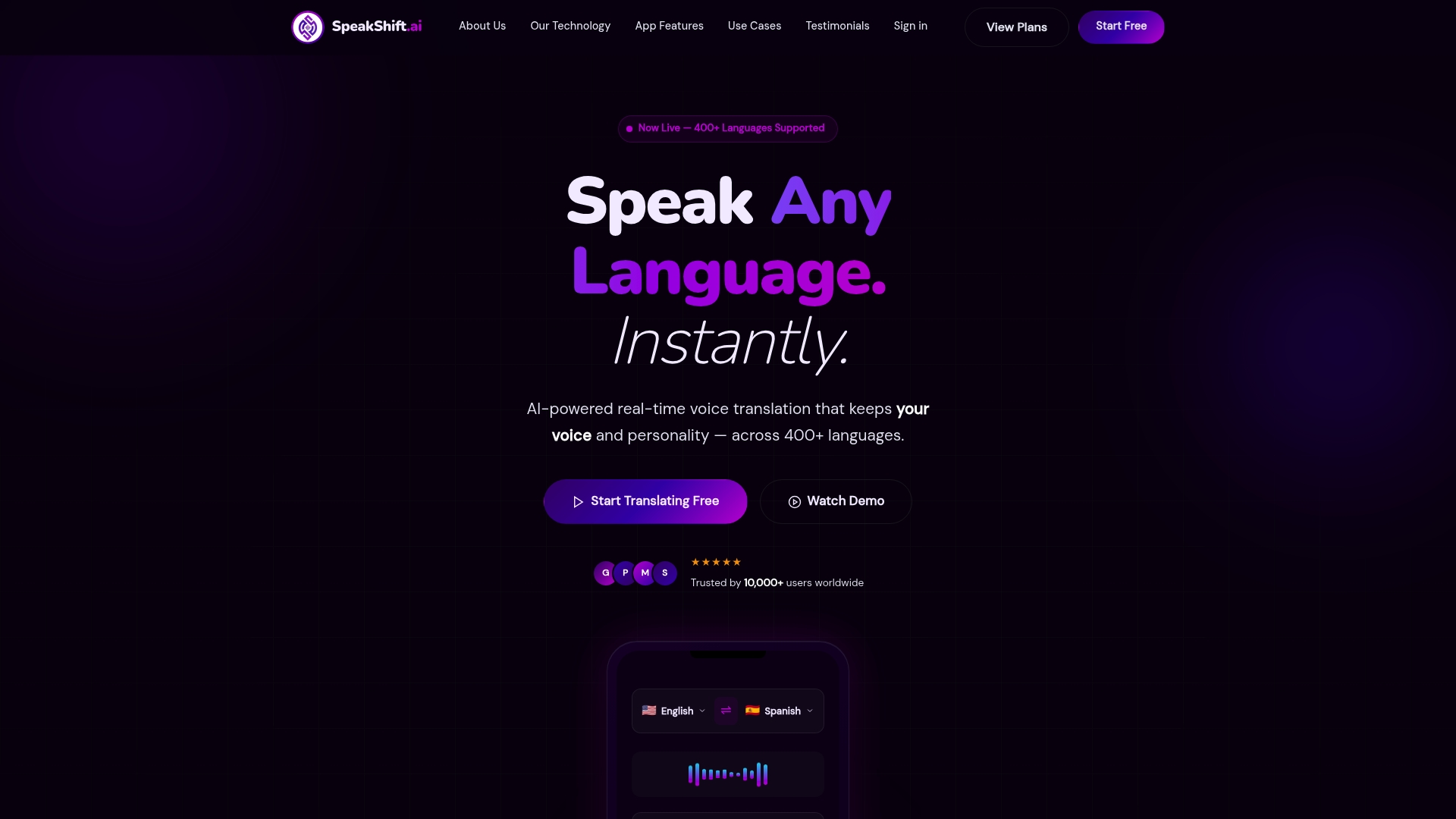
SpeakShift.ai reports support for over 400 languages and dialects. That scope targets regional accents and less common tongues.
The platform also emphasizes voice cloning and lip-synced video dubbing to preserve speaker identity in translation. These features aim to keep tone and personality intact during live exchanges.
Core Features
SpeakShift.ai combines voice cloning, lip-synced video dubbing, and real-time voice and video translation across hundreds of languages. The product includes API and platform integrations for Zoom, Microsoft Teams, and Webex, plus a Custom REST API. Cross-platform support covers iOS, Android, web, and desktop, with an offline mobile mode for travel.
Key Differentiator
The standout element is the voice cloning technology that preserves individual voice and emotion in live translation. That focus shifts translations from generic voices to personalized renditions. This feature suits scenarios where speaker identity matters for trust or context.
Pros
SpeakShift.ai reports low latency under 200ms, which supports natural conversation flow for live meetings. Voice preservation creates more familiar-sounding translations, which helps speakers stay engaged. The platform covers many industry use cases, from business meetings to healthcare and education, and it offers flexible pricing options including a free plan, subscriptions, credit packs, and enterprise arrangements.
Cons
-
Requires internet access for live speech processing; offline real-time translation is limited.
-
Pricing may be expensive for casual or low-volume users compared with basic text-only tools.
-
Some advanced capabilities, such as multi-party live calls via API, are still on the roadmap and not yet fully available.
When It May Not Fit
If you need guaranteed offline real-time translation, this product is not ideal. The service depends on cloud AI processing for most live features. Teams that need immediate multi-party API support may find gaps while the vendor completes roadmap items. Projects requiring rapid customization of domain vocabulary may see a short learning curve.
Notable Integrations
-
Zoom
-
Microsoft Teams
-
Webex
-
Custom REST API
Who It's For
Organizations and professionals who rely on real-time multilingual voice or video conversations will get the most value. That includes business teams running global meetings, healthcare providers managing patient conversations, educators delivering multilingual lectures, and content creators needing authentic voice dubbing.
Real World Use Case
A multinational team runs a video meeting where each person speaks a different language. SpeakShift.ai preserves each speaker's voice while translating in real time, so attendees hear familiar tones rather than generic outputs. The session proceeds without a human interpreter and keeps the conversational flow.
Pricing
A free plan is available. Paid plans start at $9.99 per month or $95.99 per year and include credits. One-time credit packs and custom enterprise plans are offered for higher-volume needs.
Website: https://speakshift.ai
iTranslate
At a Glance
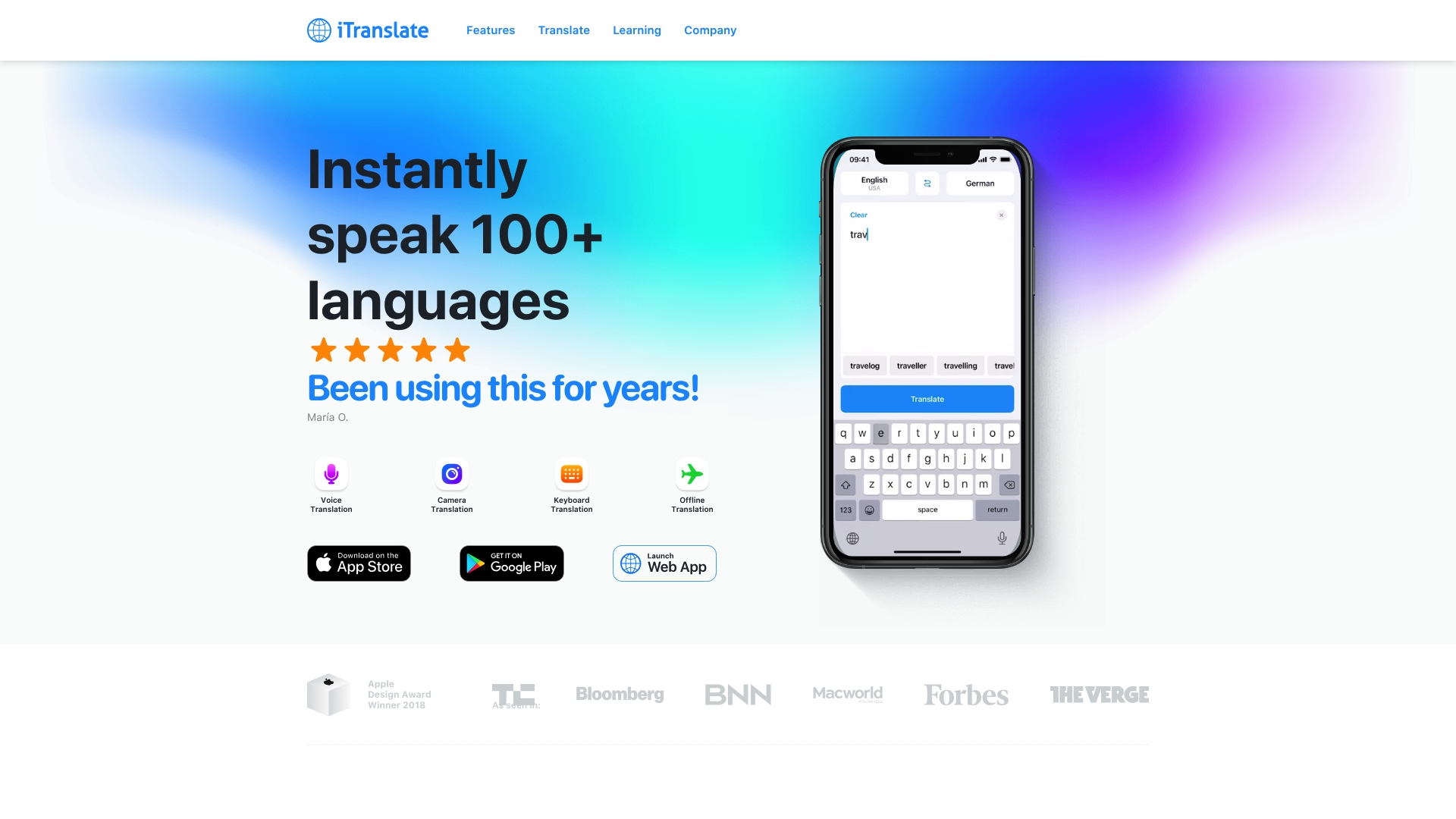
Supports offline, real time translation for more than 100 languages. The app combines text, voice, camera, and a keyboard extension across iOS, Android, and web. Many extra features such as verb conjugations and phrasebooks sit behind a PRO subscription.
Core Features
Text translation covers short phrases and longer passages, and voice translation converts speech into readable text. Camera translation reads signs and menus from a photo, while the keyboard extension lets you type in another language inside any app. Offline translation stores language packs for use without a connection, and phrasebooks help with common travel and classroom phrases.
Key Differentiator
The primary strength is offline, real time translation plus language learning tools. That mix lets you handle live conversations and practice grammar in the same app. It targets people who need quick translations and occasional study aids rather than a full classroom system.
Pros
iTranslate supports many languages, so you can read and talk across wide language pairs with one app. The offline translation option keeps the app useful when you lose a connection and the camera tool speeds up reading signs and menus. The interface is simple enough for travelers and medical staff to use quickly, and the extra learning features like verb conjugations add value beyond raw translation.
Cons
- Some advanced tools require a PRO subscription, so full functionality is not free.
- Offline translation works only for selected languages and dialects.
- Less common dialects may produce limited or uneven results.
When It May Not Fit
If you need guaranteed offline coverage for a rare language, this app may not fit because offline packs are selective. If your team needs enterprise controls or an API for integration, the consumer app will likely fall short. If you want full classroom features, the learning tools here are helpful but are not a dedicated course platform.
Who It's For
Travelers who need quick translations for signs, menus, and basic conversation will find this useful. Language learners who want on the go practice and verb drills will get extra mileage from the phrasebooks. Professionals who need mobile, rapid translations during meetings or rounds will appreciate the multi platform availability.
Real World Use Case
A traveler downloads language packs before a trip and uses camera translation to read menus at a market. They switch to voice translation to ask for directions and then use verb conjugations on the train to practice new forms offline. The app keeps working when Wi Fi drops, so the trip continues without lost time.
Pricing
The app is free to download with basic features available at no cost. A PRO subscription unlocks offline packs, conjugations, and additional tools, and a free trial is available so you can test PRO features before buying.
Website: https://itranslate.com
Comparison of alternatives
Evaluating the intricate features across leading multilingual communication tools reveals strengths and trade-offs, allowing users to align their decisions with specific needs.
Translation speed and accuracy
Oralingo’s instant translation delivery before message appearance fosters conversational fluidity, a standout feature contrasted with Trulinco Translator’s broader functional applications. For instance, Trulinco provides both file and live call translations simultaneously, catering to complex environments requiring transferable formats but with reported variations in contextual accuracy.
Versatile application scenarios
SpeakShift.ai exemplifies the future of preserving voice identity during live translations, utilizing specialized voice cloning for natural correspondence. Additionally, Streamlingo targets event integration with its QR-based audience selection mechanism. iTranslate excels in its offline translation capabilities, catering to areas with connective limitations. Oralingo’s privacy-forward, broad language provision anchors it as a tool adept for personal-user communications.
Best fit
- Professionals needing secured, dynamic chats where translations maintain tone and agility should consider Oralingo.
- Event organizers valuing operational simplicity and attendee language access immediately will appreciate Streamlingo.
- Teams integrating communication tools into workflows, paired with document translation flexibility, find an organizer-fit in Trulinco Translator.
- Broadcasting services centering authentic voice preservation for multilingual narrative gain from SpeakShift.ai.
- Traveling users needing offline functionality while maintaining syntax variety should elect iTranslate.
Our pick
For those who prioritize fast, privacy-conscientious real-time translation in their multilingual interactions, Oralingo emerges as a standout option. Its capacity to combine instant speed, ease of use, and dynamic adaptability fosters inclusion across professional and personal communication settings. However, users requiring advanced audio features or hardware integrations may find a better fit in alternatives such as Streamlingo or SpeakShift.ai.
The following table outlines alternatives for real-time chat translation focusing on features, pricing, and notable distinctions:
| Product | Distinguishing Feature | Best For | Pricing | Key Limitation |
|---|---|---|---|---|
| Oralingo | Privacy-first design, end-to-end encryption | Individual travelers and professionals | Price not published | Upcoming live call translation feature not yet available |
| Trulinco | Live speech and document translation | Multilingual meetings and team use | €5–€34 monthly | Accuracy inconsistencies and unclear security measures |
| Streamlingo | QR code-based language selection | Events needing live audio translation | €10/hour | Limited customization and missing hardware integration |
| Lingopal | Voice cloning with tone preservation | Large multilingual broadcast events | Price not published | Low measured accuracy limits technical usage |
| SpeakShift.ai | Voice cloning and lip-synced video dubbing | Multilingual business or educational use | $9.99/month | Dependence on internet for live features |
How to Handle Language Barriers Without Losing Conversation Flow
Many people need quick and private translation that does not interrupt conversations. The article highlights the challenge of slow or clunky translations that break natural chat flow and limit hands-free communication. Oralingo solves this by providing real-time chat translation that shows the translated message instantly before it appears on-screen. This approach keeps your conversations running smoothly and reduces extra steps like copying or switching apps.
Oralingo supports over 100 languages with 99 percent accuracy. Its hands-free voice mode lets you talk and listen easily without typing. Plus, the app keeps your chats private with end-to-end encryption. Whether you are an individual traveler, a multilingual professional, or friends and family communicating across regions, Oralingo helps you focus on the conversation, not the language barrier.
Get started now by visiting Oralingo. Download the app and try its instant translation and voice mode to see how effortless your multilingual chats can become.
FAQ
How does Oralingo ensure natural conversation flow in chat translations?
Oralingo maintains natural conversation flow by displaying translations instantly before messages appear on-screen. The vendor claims that this feature helps keep interactions fluid and reduces the need for back-and-forth messaging. Users can expect to communicate smoothly without interruptions, enhancing their chat experience.
What is the difference between Trulinco and Oralingo?
Trulinco excels in delivering live translations for video calls, voice calls, chat, and documents, making it ideal for users who need comprehensive communication support across various media. Oralingo, on the other hand, focuses on real-time chat translation and offers a hands-free voice mode, which suits individuals needing quick, private messaging. Each platform serves different user needs based on communication preferences.
Which platform provides voice translation features for hands-free communication?
Oralingo provides a hands-free voice mode that allows users to speak and listen comfortably while chatting. This feature is designed to facilitate verbal exchanges, particularly when typing isn't practical. Users should take advantage of this capability for easy communication in casual or professional settings.
Can individuals expect privacy with Oralingo's translation service?
Yes, Oralingo prioritizes privacy through its end-to-end encryption feature, ensuring that users' conversations remain secure. This design helps protect sensitive information during chats, offering peace of mind for those who value privacy. Users looking for a translation tool that safeguards their conversations will find Oralingo a suitable option.
How many languages does Oralingo support for translation?
Oralingo supports over 100 languages, allowing users to communicate with a diverse audience. This extensive language coverage helps foster connections across different cultures and backgrounds. Individuals seeking a broad range of translation options will find Oralingo beneficial.